How Amazon PPC Drives Brand Discoverability and Sales in 2026
Read more
.png)
Amazon PPC lets sellers bid on keywords and product placements, paying only when shoppers click. It drives visibility, sales growth, and stronger organic rankings on Amazon.
Summarize in ChatGPT
You opened a product, watched the first sales trickle in, and then hit the wall every Amazon seller hits. Nobody can find your listing. Somewhere around page seven of the search results, your product sits invisible while competitors with worse photos outrank you.
That is usually the moment "what is Amazon PPC" gets typed into Google. Here is the short, honest version before we go deep.
Amazon PPC (pay per click) is Amazon's advertising system, where sellers bid on keywords and product placements, and pay a fee only when a shopper actually clicks the ad. It runs inside Amazon Ads, the platform you reach through Seller Central or the Amazon Ads Console. No click, no charge.
That single rule is what makes the model feel safer than it sounds.
The ads look almost identical to normal Amazon listings. The "Sponsored" tag sitting quietly above the title is the only tell.

That blending is the point. Shoppers trust the results, and sellers get to appear at the top of a search they would otherwise lose. If you want the fuller picture of how each ad format looks and behaves, this breakdown of Amazon Sponsored Ads walks through every placement with examples.
The label is simple. The mechanism underneath is where most beginners get lost, so let us walk through it slowly.
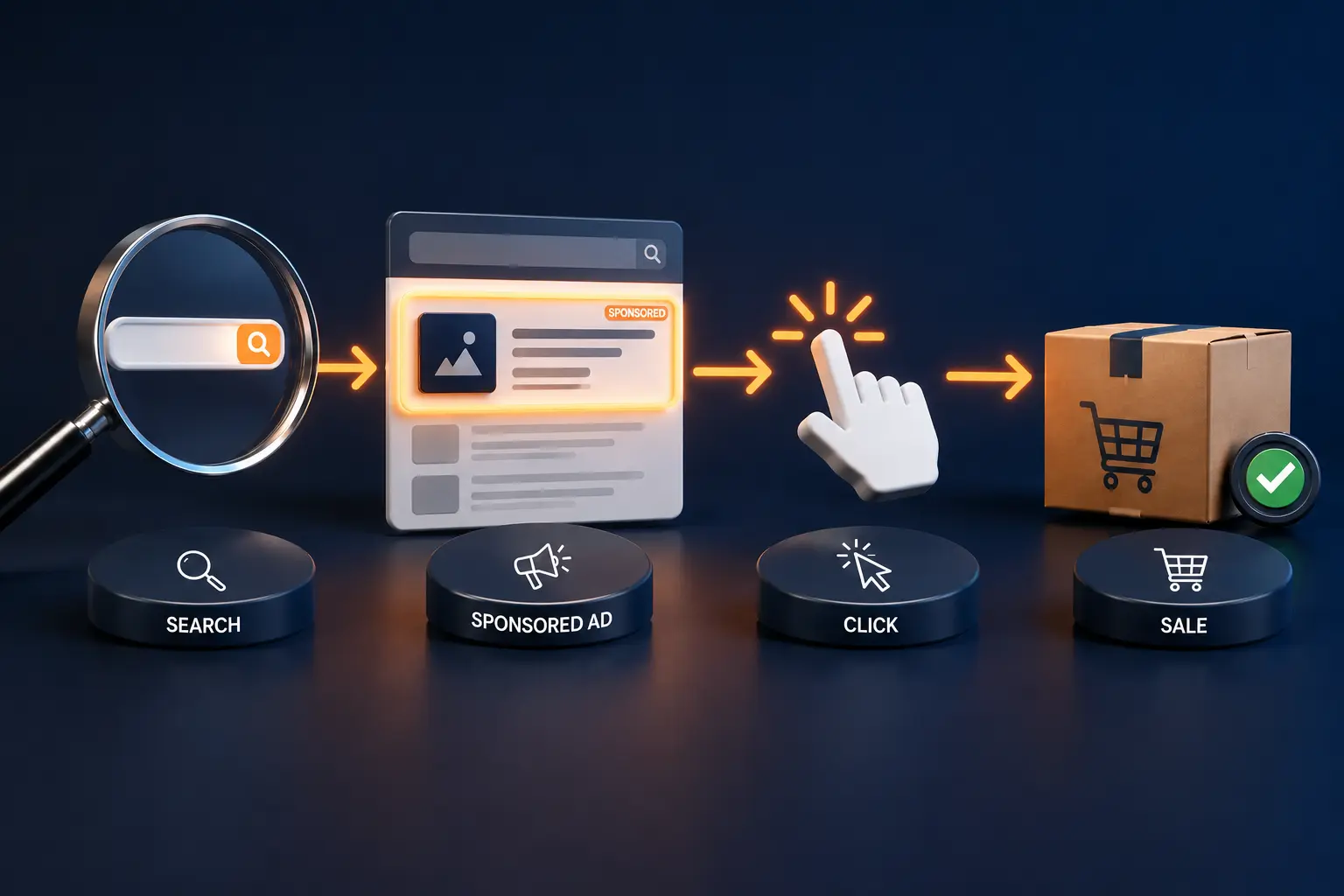
Every time a shopper types a search, Amazon runs a silent, instant auction to decide which ads appear and in what order.
You bid against the handful of sellers chasing the same keyword at the same moment, not the whole world.
Two things decide whether you win a spot: your bid, and how relevant and likely-to-sell Amazon thinks your product is.
A high bid alone will not save a listing with poor reviews and a weak conversion rate, because Amazon favors ads that convert, not just ads that pay the most.
Here is the part competitors rarely show clearly. The auction is second-price, a mechanism studied in depth by Cornell's networks research group, so you pay just above the next-highest bidder, not your full bid.
A real example: set a $1.50 maximum bid on "stainless steel water bottle," and if the next seller bid $1.10, you win and pay $1.11, not your full $1.50. A shopper clicks, lands on your page, and buys a $25 bottle.
You spent $1.11 to make a $25 sale, so that click cost about 4.4% of the sale price, your Advertising Cost of Sale on that order. Multiply that across hundreds of clicks, some converting and many not, and you get the full picture of a campaign.
That chain, bid to click to sale to cost, is the whole game. Everything else is refinement.
Amazon Ads gives sellers three self-serve ad types. Most new sellers should start with the first one and ignore the other two for a few weeks.
Sponsored Products is the workhorse. It looks like a normal listing, shows up where buyers are ready to act, and tends to convert best because intent is high. Sponsored Brands needs Brand Registry and works higher in the funnel, where shoppers are still deciding.
Sponsored Display is the reach-and-retarget tool, useful once you have data and a reason to follow shoppers around.
A note on currency, since older guides get this wrong: the dead names ("Headline Search Ads," "Product Display Ads") are gone, and the streaming tier now includes Sponsored TV on a self-serve basis, putting smaller brands on connected TV screens that used to need a Demand-Side Platform (DSP) and a big budget.
When you build a manual campaign, you pick the keywords you want to bid on. Each keyword needs a match type, which controls how loosely Amazon matches a shopper's search to your word.
Broad match is the widest net, catching searches with your words in any order plus close variations.
Phrase match is tighter, requiring your phrase in order.
Exact match is the narrowest, firing only on that term and its close plurals. New sellers often start broad to gather data, then move winners into exact for control.
These are terms you tell Amazon to never show your ad for. Sell premium dog food and keep paying for "cheap dog food" clicks that never buy? Add it as a negative and stop the bleed.
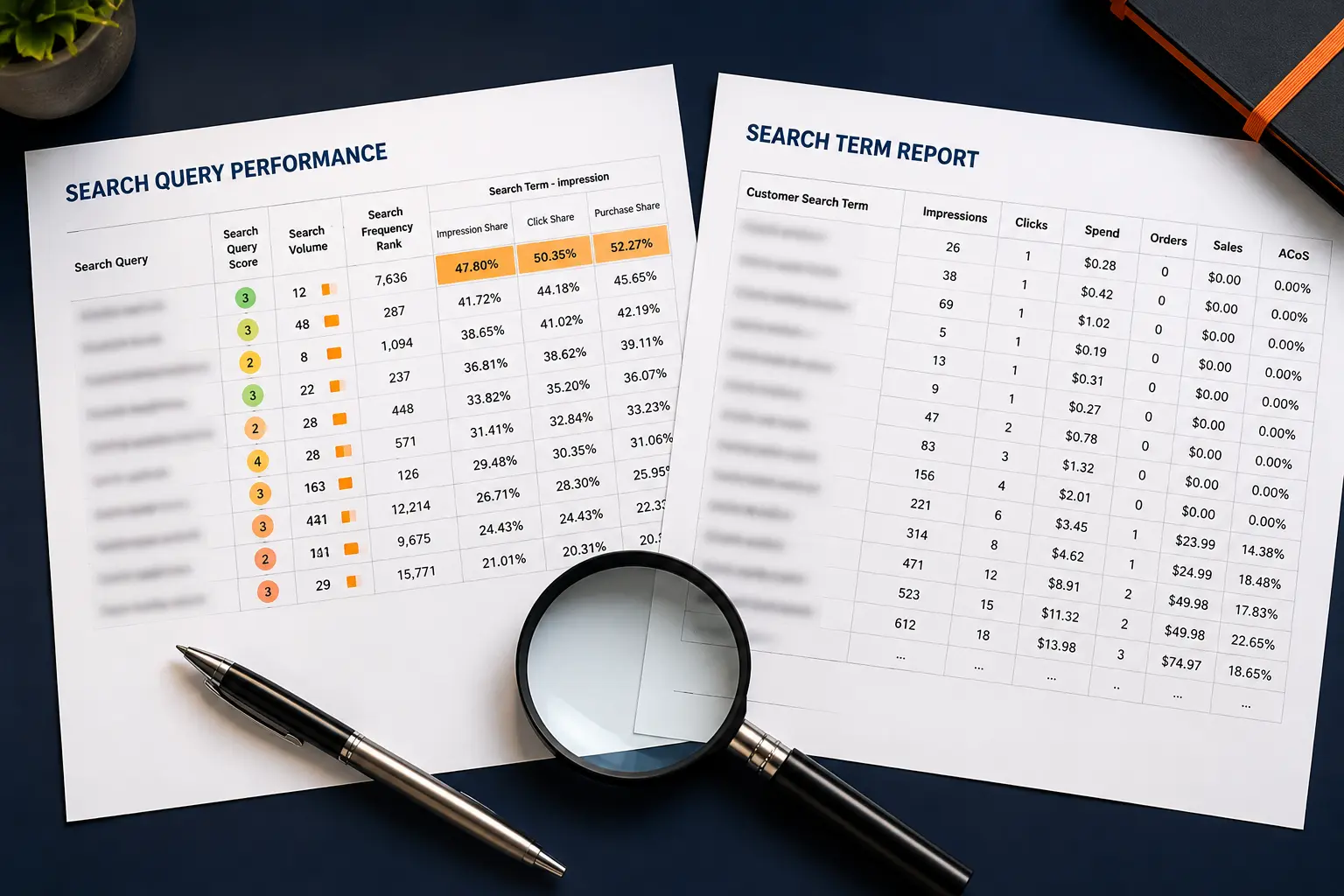
You harvest both winning keywords and negatives from the search term report, the list of actual shopper searches that triggered your ads.
Reading that report weekly is the single most useful beginner habit.
Three acronyms run the whole conversation.
Advertising Cost of Sale (ACoS) is ad spend divided by ad sales, shown as a percent. Spend $20 on ads to make $100 in ad sales and your ACoS is 20%, and lower usually means more efficient.
Return on Ad Spend (ROAS) is the same relationship flipped: ad sales divided by ad spend, so that same $100 from $20 is a 5x ROAS. Some sellers think in ACoS, some in ROAS, and they describe the same thing from two directions.
Total ACoS (TACoS) is the one that matters most for the long game. It compares ad spend to your total sales, both paid and organic. When TACoS slowly drops while sales climb, it means your ads are pulling in organic momentum, and you are leaning on paid less over time.
That is the trend a healthy account wants to see.
What counts as a "good" ACoS depends on your margins, not a magic number.
Work out your break-even ACoS first, the point where an ad sale earns zero profit, then set a target below it. A common starting band sits between 25% and 40% during a launch, falling as the listing matures.
When you create a Sponsored Products campaign, Amazon asks for automatic or manual targeting. Automatic campaigns let Amazon choose the keywords and products to match you against, using your listing text.
They are low effort and excellent at discovery, letting you learn which searches actually convert without guessing. Manual campaigns hand you the controls instead: you pick the keywords, set the bids, and choose match types. More work, more precision.
The honest answer for beginners is to run both. Start an automatic campaign to harvest real search data, read the search term report, then move the proven winners into a manual exact-match campaign where you bid harder.
The auto campaign keeps finding new terms while the manual campaign squeezes the ones you trust.
Cost per click on Amazon varies widely by category. Low-competition niches can run well under a dollar a click, while crowded categories like supplements or phone accessories can push several dollars per click.
Most new sellers see average clicks somewhere in the $0.50 to $2.50 range, though your category sets the real number.
You control spend with a daily budget per campaign, so the model never surprises you with a giant bill. A practical starting point is a daily budget you can afford to treat as tuition for two to three weeks, often $10 to $30 per day for a single product.
Plan to spend without strong returns at first. The early weeks buy data, not just sales.
Amazon's own advertising business has grown into one of the largest ad platforms anywhere. Its 2025 Annual Report puts annual advertising revenue well past $68 billion, a scale tracked historically by Statista as well.
Organic-only is no longer a realistic plan for most competitive categories.
For most new products, yes, with a clear-eyed caveat. A brand new listing has almost no sales history, so Amazon's organic search barely shows it. Ads are how you buy your first visibility and, more importantly, your first sales.
Those early sales do something quiet and powerful: they improve your Best Sellers Rank and signal to Amazon that shoppers want your product, which lifts organic placement over time.
The caveat is that ads cannot fix a weak listing. Poor photos, thin reviews, or a mismatched price will burn budget no matter how well the campaign is built. Fix the product detail page first, since advertising amplifies a good listing and exposes a bad one.
This is the question that sends frustrated sellers back to Google.
Your bid is too low to win any auction, so you never appear. Raise it gradually and watch impressions. Your daily budget ran out early in the day, so ads stop until the reset.
Your product lost the Featured Offer (often called the Buy Box), and ads usually pause when you do not hold it.
Your campaign is still in review, which can take a few hours after launch. Or your keywords are too narrow, so few searches ever trigger them.
Check impressions first. Zero impressions points to bid or eligibility.
Plenty of impressions with no clicks points to your main image, title, or price. Most "my ads stopped working" cases trace back to one of these five causes, and a five-minute check usually finds it.
Think of paid and organic as two gears that turn together. A Sponsored Products ad earns a sale, that sale lifts your sales velocity and Best Sellers Rank, and better rank earns more organic visibility.
More organic visibility earns more sales without ad spend, which is exactly why a falling Total ACoS is the goal.

This is the flywheel experienced sellers protect. They do not chase the lowest possible ACoS on day one, and instead accept a higher ad cost early to build the sales history that makes organic ranking carry more of the load later.
Brand Analytics and Search Query Performance (SQP) show how you rank for specific search terms, and Amazon Marketing Cloud (AMC) lets larger advertisers analyze the full path to purchase.
If SQP reporting is new to you, this guide to reading your Amazon SQP report is the natural next read.
You do not need a complex setup to begin. Here is a calm, sequential plan drawn from how we onboard new products.
Get the main image, title, and first three bullets right before a single ad runs.
Start broad and let Amazon show you what shoppers actually search.
The report turns guesswork into decisions.
Add complexity after Sponsored Products is steady.
That is a real first month. No tricks, just a loop of launch, read, refine.
Plenty of sellers run their own ads for a long time, and that is fine. The honest signal that it is time to get help: the account has grown past the point where reading reports weekly and adjusting bids by hand still fits your week.
Once you have many products, thousands in monthly spend, and a search term report too big to read, the math favors a dedicated manager, roughly the same inflection point covered in how to scale Amazon PPC past $100K a month.
If you reach that point, Amplivus offers hands-on Amazon PPC management and a no-pressure PPC account audit so you know the cost before you commit. Learn the basics here first, or book a free Amazon PPC strategy session when you are ready to talk through your account.

From Sponsored Products to advanced PPC optimization, Amplivus helps Amazon sellers reduce wasted spend, improve ACoS, and grow revenue.
Not sure if your Sponsored Products, bids, or keywords are driving profit? Get an Amplivus Amazon PPC audit and uncover wasted ad spend.