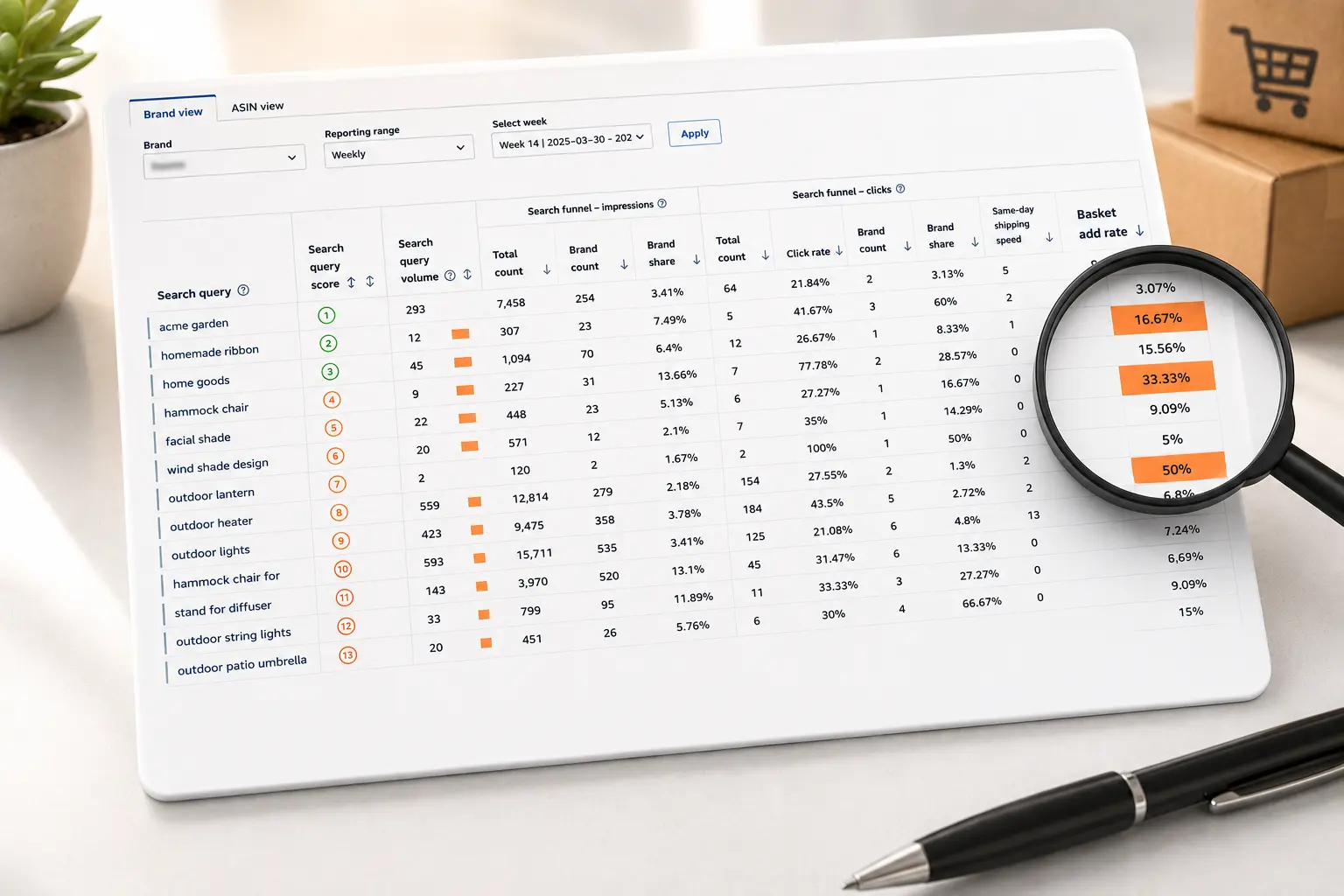
How To Actually Read Your Amazon SQP Report Without Drowning
Read more
.png)
Use the SQP report for organic market share and listing decisions. Use the Search Term Report for ad spend, bids, and negative keywords. SQP is the market; the Search Term Report is your ads.
Summarize in ChatGPT
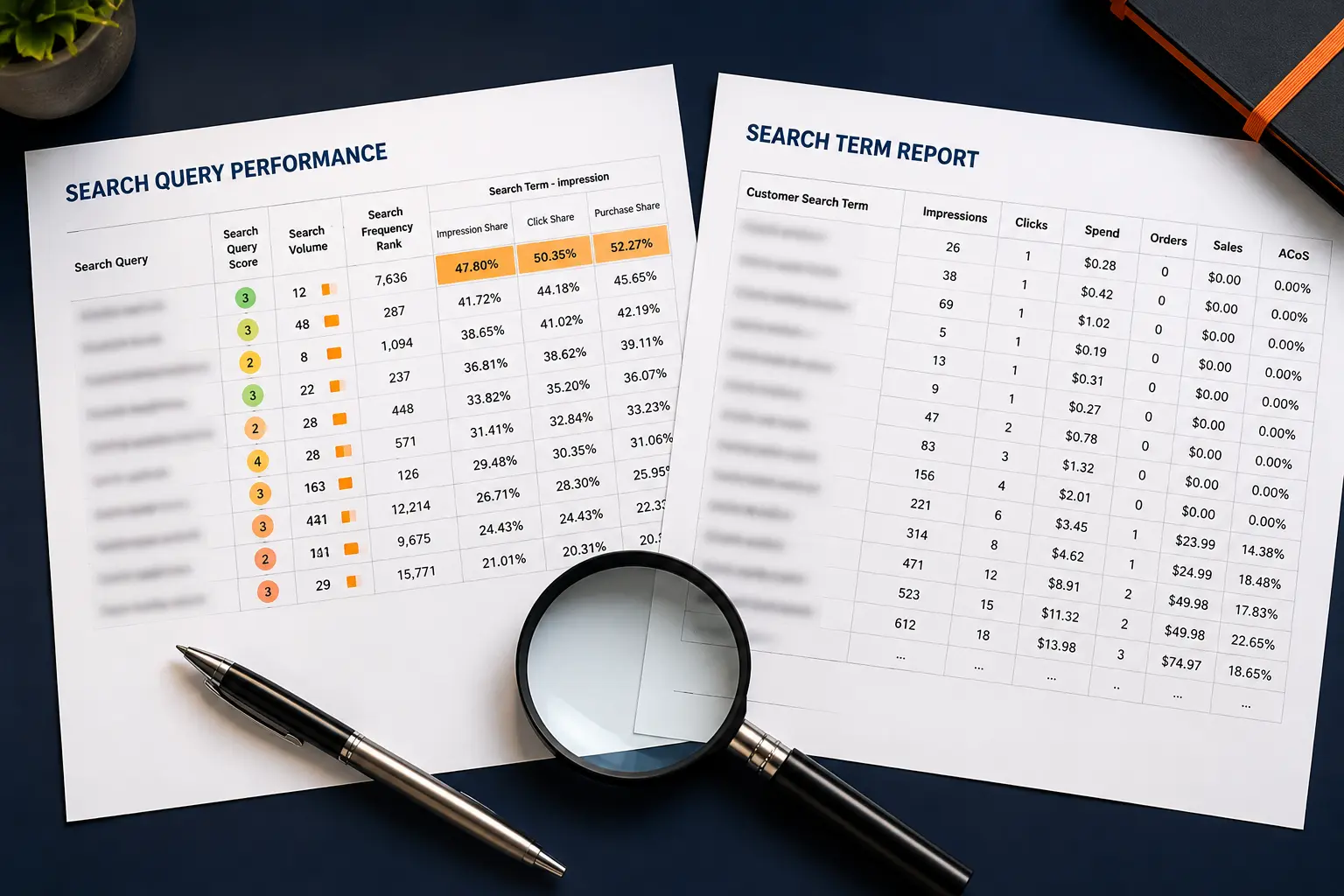
A clean rule for which Amazon report answers which question, so you stop quoting the wrong number.
Here is the rule, before anything else. If your question is about organic visibility, competitors, or your share of a market, open the Search Query Performance (SQP) report.
If your question is about your own ad spend, your conversions, or which keywords to cut, open the Search Term Report. SQP is the market. The Search Term Report is your wallet.
That single split solves most of the confusion sellers carry around. The two reports look similar because both are organized by search query, and both show clicks and purchases.
But they answer different questions, and reading one when you needed the other is how good sellers end up quoting the wrong number in a meeting. Let us make the difference impossible to forget.
The SQP report is a market report. For any search query, it shows the total demand on Amazon and your slice of it: impression share, click share, cart-add share, and purchase share. The key word is share.
SQP is telling you how the whole marketplace behaved for that query, then showing where you stand against every other seller competing for it. Amazon describes it as a search behavior report, not a sales report, and it lives inside Amazon Brand Analytics.
If you have never opened it, our walkthrough on how to read your Amazon SQP report is the place to start.
The Search Term Report is an advertising report. It has nothing to say about competitors.
It shows the exact customer search terms that triggered your Sponsored Products ads, the keyword and match type that caught each one, plus impressions, clicks, spend, sales, orders, ACoS (Advertising Cost of Sale), and ROAS (Return on Ad Spend).
It is a row-by-row record of where your ad dollars went and what came back.
So the mental model is simple. SQP answers "how big is this keyword, and how much of it is mine."
The Search Term Report answers "did my ad on this keyword make or lose money." One looks outward at the market. One looks inward at your account.
This trips people up, so let us be exact. The SQP report sits in Brand Analytics, inside Seller Central, under the Brands menu.
You can only see it if you are enrolled in Amazon Brand Registry. No Brand Registry, no SQP. That is a hard gate.
The Search Term Report sits in your advertising reports. In Seller Central you go to the advertising reports section, or you open the Amazon Ads Console, create a Sponsored Products report, choose the Search Term report type, set your date range, and run it.
Any seller running Sponsored Products can pull it, with no Brand Registry required. If you have both, you have the full picture. If you only have ads, you still have the Search Term Report, which is the workhorse for day-to-day PPC.
Reach for SQP when the decision is about the market or your listing, not your bids.
Use it to find which queries actually drive purchases in your category, ranked by volume, so you know which keywords deserve a place in your title and bullets.
Use it to measure your purchase share on a keyword you think you own, since a low share on high-volume terms is a flashing sign you are losing the organic battle.
Use it to spot keywords where you get clicks but lose the cart, which usually points at price, images, or reviews rather than ads, a drop our cart-add-to-purchase diagnosis guide breaks down.
Use it to defend branded search by watching your share on your own brand terms, since a soft share there means a competitor is conquesting your name.
And use the ASIN view to see which product, exactly, is winning or leaking share on each query.
There is a competitive read here that the Search Term Report simply cannot give you.
Because SQP shows the whole market, a rising purchase share on a query means you are taking ground from rivals, while a falling one means someone is taking it from you, often before it shows up in your sales.
That early signal is the basis of a proper Amazon competitor analysis: you can see which queries a competitor is winning, then decide whether to contest them with ads, with a listing fix, or not at all.
SQP is your listing-optimization and market-positioning tool. It tells you where you stand. It does not tell you what to bid.
Reach for the Search Term Report when the decision is about money flowing through your ads. Use it to find negative keywords.
As a common rule of thumb, a search term with fifteen to twenty-plus clicks and no sales is a strong negative-keyword candidate, and cutting those is the fastest way to stop wasted spend.
Use it to harvest winners: profitable search terms coming out of your auto and broad campaigns get moved into exact-match campaigns where you control the bid tightly.
Use it to judge keyword-level ACoS and decide where to raise or lower bids. Use it to see the real customer language behind your matches, which often reveals terms you never thought to target.
That harvest-and-negate loop is the core of how we run Sponsored Products management for clients.
The first sixty to ninety days of any campaign tend to produce the most negative-keyword opportunities, so pull this report weekly for new and high-spend campaigns and monthly once they mature.
This is the part almost nobody explains, and it causes real anxiety. You look at purchases for "stainless water bottle" in SQP, then in the Search Term Report, and the figures disagree. Nothing is broken.
The cause is the attribution window.
SQP uses a 24-hour window: for a purchase to count against a query, the whole journey, from search to checkout, has to happen inside a single day.
The Search Term Report uses a default 7-day window for Sponsored Products. A shopper who searches today, adds to cart, and buys on Thursday is invisible to SQP but fully counted in your ad report.
SQP also reflects total marketplace behavior rather than your paid activity alone, while the Search Term Report is paid-only.
So you are comparing a narrow 24-hour market-wide view against a 7-day paid-only account view.
They were never built to tie out. Once you accept that, you stop treating the gap as an error and start reading each number for what it is.
Picture a keyword, "insulated lunch bag." The numbers below are illustrative, not real client data, to show how the two reports lead to different actions.
Open SQP first. Say it shows the query pulls strong purchase volume across the market, but your purchase share is around 4 percent while your click share sits near 11 percent.
Read that honestly: plenty of shoppers click your listing, then buy from someone else. That is not an ads problem. That is a listing problem, most likely price, main image, or review count. SQP just handed you a listing decision.
Now open the Search Term Report. The same query, as a paid search term, shows roughly 240 clicks, about $310 spend, six orders, and an ACoS near 70 percent. Read that too: the keyword converts, but not at a price that pays.
So you tighten the bid, move the term into an exact-match campaign for control, and add a few junk variations (like "insulated lunch bag for adults free") that burned clicks with no orders to your negative list.
One keyword, two reports, two completely different actions. SQP told you to fix the listing.
The Search Term Report told you to fix the bid and trim the waste. Neither report alone would have given you both moves. That is the entire point.
Notice the trap each report sets on its own. If you had only the Search Term Report, you would see a 70 percent ACoS and might kill the keyword, never learning that the real problem was your listing losing shoppers your ads had already paid to attract.
If you had only SQP, you would see a weak purchase share and rewrite the listing, never catching that your bid was also bleeding money in the meantime.
The reports cover each other's blind spots, which is exactly why the operators who win read them as a pair, not in isolation.
Sellers who win use both in a fixed rhythm. Here is a clean weekly loop you can copy.
On Monday, pull the latest weekly SQP and scan purchase share on your top twenty queries. Flag any high-volume term where your share dropped, and send those to your listing and content list.
Midweek, pull the Search Term Report for the last seven to fourteen days. Build your negative list from the high-click, zero-sale terms, harvest the profitable terms into exact-match campaigns, and adjust bids by ACoS.
Once a month, zoom out with SQP's monthly view to see real trends instead of weekly noise.
For larger accounts, Amazon Marketing Stream adds near real-time hourly ads data on top of the Search Term Report, and Amazon Marketing Cloud (AMC) stitches query signals across campaigns for deeper analysis.
Most sellers do not need those on day one, but they are the natural next layer once the weekly loop is solid.
A few traps show up again and again. Treating SQP like an ad report and trying to optimize bids from it, when it has no spend data.
Treating the Search Term Report as a market view and assuming low orders mean low demand, when it only ever shows demand your ads happened to catch.
Panicking over the attribution mismatch and "fixing" data that was never wrong. Pulling negatives too aggressively in the first week before terms have enough clicks to judge.
And ignoring SQP click-share-versus-purchase-share gaps, which quietly tell you your listing is leaking buyers your ads already paid to attract. Our breakdown of the SQP metrics that matter covers which of those gaps to watch first.
If reconciling both reports by hand sounds like a weekly chore you would rather skip, that is exactly the work an Amazon PPC agency does for clients.
Amplivus runs a free PPC audit that reads both reports together, surfaces wasted spend in your Search Term data, and flags the organic share gaps hiding in your SQP.
You can also book a strategy session to walk through your own numbers. You keep the report, and you decide what to do with it.

SQP shows market share. Search Term Reports show ad performance. Our PPC audit combines both to reveal the actions that drive growth.
Get a second opinion on your Amazon advertising strategy. Identify missed opportunities and prioritize the highest-impact actions.